Excellence through Innovation


| home |
| software •iPhone •print industry •health care •other |
| about us |
| clients |
| contact |
iPhone Software |
Psalm Daily Quotes
Taken from the
Software for the
iPhone and iPod Touch
Click button to buy at Apple iTunes Store
Start your day with a quote from the Psalms or browse through the hundreds of quotes in the collection.
You will find each quote to be thought provoking and uplifting. THE ESV. THE BIBLE FOR LIFE. First and foremost, the ESV is special because the Bible itself is like no other book. The words of the Bible are the very Words of God. As Jesus said, "The words that I have spoken to you are spirit and life" (John 6:63) Second, the ESV is special because it is a "word-for-word" translation. The Bible says every word was "breathed out by God" (2 Timothy 3:16). For this reason, the ESV seeks to translate the original Greek and Hebrew words with the greatest possible accuracy and precision. Third, the ESV is special because it carries forward the great historic stream of Bible versions in English—with literary excellence, beauty, and depth of meaning, in a fresh and compelling way. The ESV is unique and special. It's the Bible to read and treasure through all your life—a great choice for young and old, for daily reading and personal study, for church and family, for teaching and preaching, and for memorizing the words of life. Each quote is set against a beautiful nature image background. What's the difference? This application is more than just a verse and pretty picture. Each picture has been carefully chosen to match the verse below through some keyword or concept whenever possible. You will enjoy seeing how images of cuddly creatures, mountains, stars, sunsets, sheep, penguins and more make the inspirational verse more interesting and meaningful. Elegance and ease of operation characterize this application. The inspirational verse of the day is delivered quickly and additional verses are available with the tap of a finger. Software Features
English Standard Version
Photo Credits
Developer Notes Operational Notes
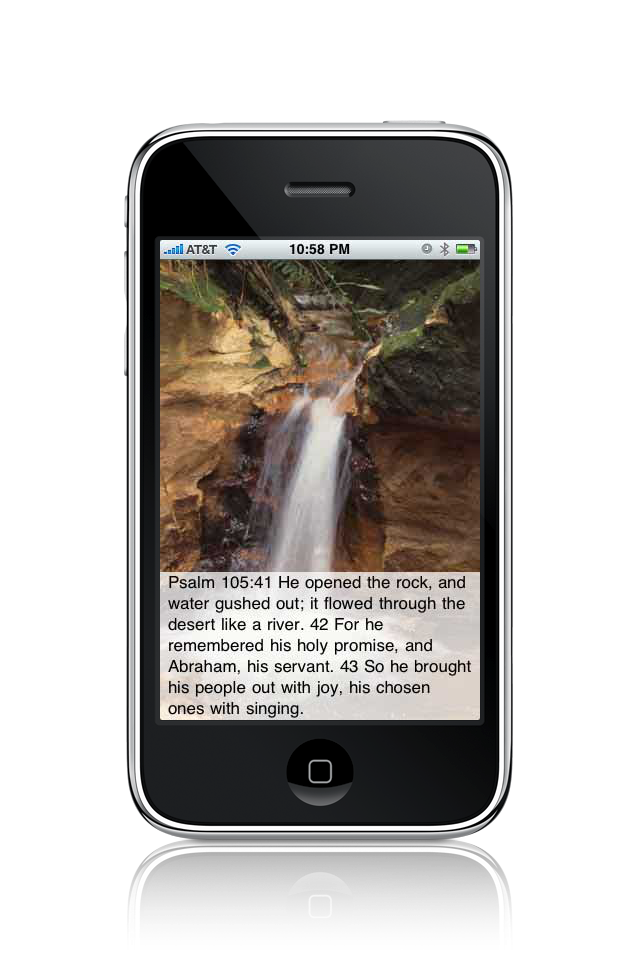
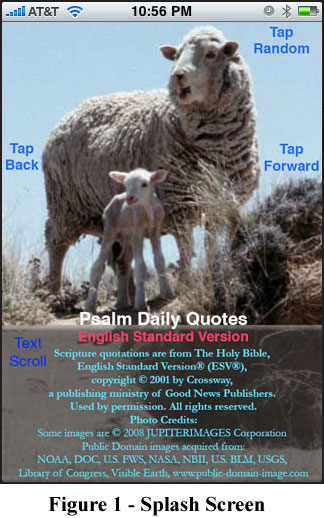
Upon launching, the daily quote is automatically presented. If you wish to view tomorrow's quote, tap the screen in the middle right area. If you wish to view yesterday's quote, tap the screen in the middle left area. You can advance the quotes forward or backward as far as you want with additional taps. It is also possible to view the quotes in a random order by tapping the top of the screen.
Below are additional screen shots from the collection.
|


 The splash screen in Figure 1 indicates the simple operation
of the application. The quote text occupies the lower third of the screen on a
semi-transparent background. If the quote is longer than the box, it can be
scrolled by swiping a finger up or down within the box.
The splash screen in Figure 1 indicates the simple operation
of the application. The quote text occupies the lower third of the screen on a
semi-transparent background. If the quote is longer than the box, it can be
scrolled by swiping a finger up or down within the box.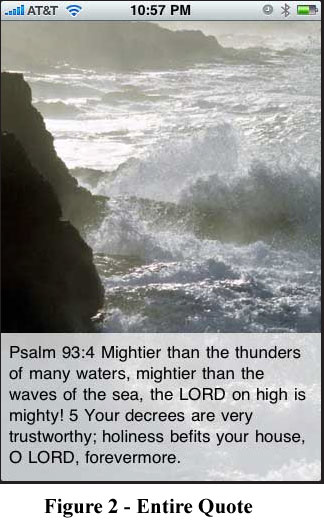 Figure 2 shows a case where the entire quote fits within the
text box. The reference for each Psalm excerpt is clearly presented on each screen. If you wish to read further than the excerpt, there are many fine iPhone Bible applications.
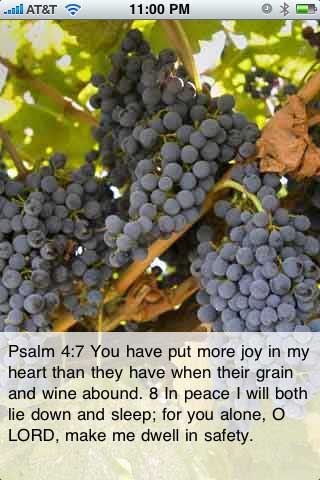
Figure 2 shows a case where the entire quote fits within the
text box. The reference for each Psalm excerpt is clearly presented on each screen. If you wish to read further than the excerpt, there are many fine iPhone Bible applications.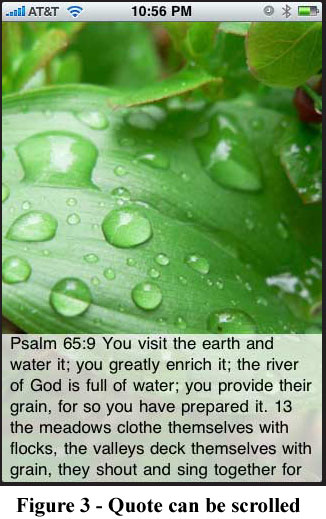 In Figure 3 you will notice that the entire quote does not
fit in the text box. In order to view the rest of the quote, you can use an up or down
swipe gesture within the text box to scroll the text.
In Figure 3 you will notice that the entire quote does not
fit in the text box. In order to view the rest of the quote, you can use an up or down
swipe gesture within the text box to scroll the text.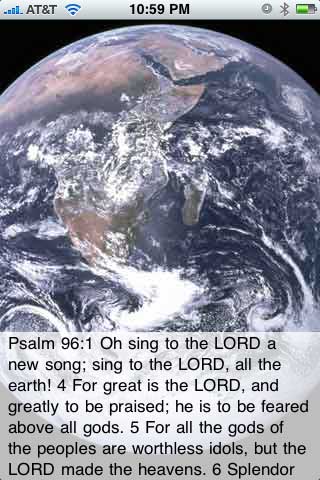


|
|
|